
What is Citra Emulator?
Citra is a program that runs Nintendo 3DS games on other devices. It copies how the 3DS works, so your games play on a PC or phone instead of the handheld. It does not just run them, it improves them, with higher resolution, save states, custom textures and online play.
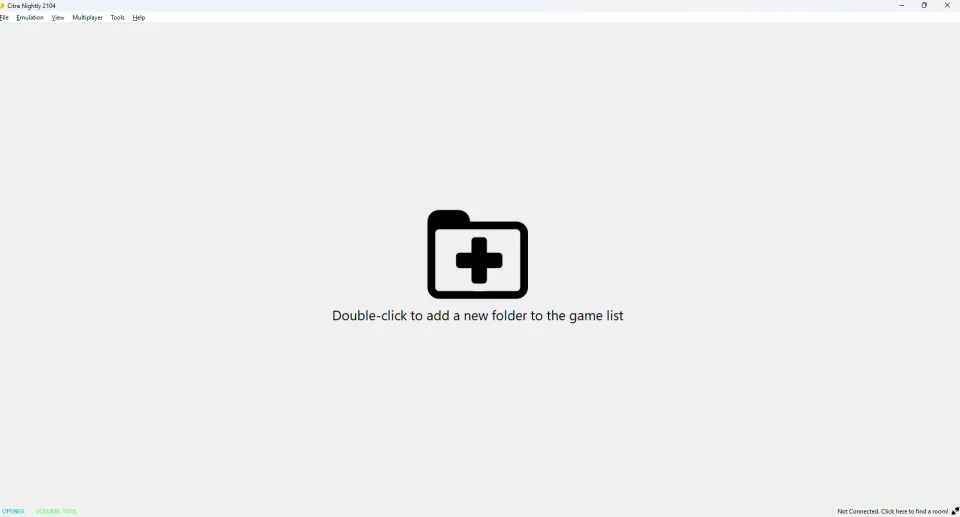
Citra grew into the most complete 3DS emulator over years of work. Today it is free, open-source, and the base that newer versions build on.
Is Citra still updated?
This is the honest part. Citra itself is no longer updated. Its team closed the project, and the final build is frozen. It still runs games well, but it gets no new fixes.
The good news is that the same code lives on. A maintained version called Azahar continues it, with ongoing updates. If you want the latest, use that. Learn more on our is Citra still working page, or compare the two on our Citra vs Azahar page.
Download Citra for your device
Citra runs on every major platform. Pick yours to get the verified build and a full setup guide:
Windows
PCSetup guideMac
macOSSetup guideAndroid
Phone or tabletSetup guideLinux
AppImage or FlatpakSetup guideYou can also see all builds on our download page, including the maintained version.
Why play 3DS games on Citra?
There are real reasons to move your games to an emulator:
- Bigger screen.Play on a monitor or TV instead of the small handheld.
- Better graphics.Upscale games far beyond the original resolution.
- Save anywhere.Save states remove the fear of losing progress.
- One library.Keep all your games in one place, on any device.
- Free and open.No cost, and no locked features.
Citra features
Citra does far more than run games. The key features include:
HD graphics
With resolution upscaling for a sharp, modern look.
Save states
So you can save and reload at any moment.
Online multiplayer
Through rooms. See our multiplayer guide.
Custom textures
That upgrade a game’s art. See our custom textures guide.
Game mods
That change content and gameplay. See our mods guide.
Wide compatibility
With a large library of 3DS games.
How to get started with Citra
Three simple steps get you playing:
Download Citra for your device from the links above.
Add your own games, dumped from a 3DS you own. Our how to get games guide shows the legal way.
Load a game and play. Our how to use Citra guide covers the full setup.
Configure Citra and fix problems
Once you are set up, you can fine-tune everything. Our configuration hub links every guide in one place. For speed and graphics, see our best settings guide. If something goes wrong, our troubleshooting guide has the fixes.
Frequently asked questions
Is Citra safe?
Yes, the real Citra is safe. The only risk is fake copies, so download a verified build and check its file.
Is Citra legal?
The emulator is legal. You must use your own dumped games, not downloaded ROMs.
Is Citra free?
Yes. Citra is completely free and open-source.
Is Citra still working?
Yes, the last build still runs games. It is not updated, though, so many people use the maintained version, Azahar.
Does Citra work on Android?
Yes. Citra has an Android version. See our Android guide to set it up.
Does Citra work on iPhone?
No. There is no official Citra for iOS. Our best 3DS emulator page covers the iPhone option.