
Citra | Nintendo 3DS Emulator
Many players today want to enjoy Nintendo 3DS games, but the original 3DS system has become harder to find, more expensive, and limited in performance. The 3DS hardware is aging, the graphics feel outdated, and multiplayer options are restricted.
Most users simply want an easy and modern way to play their favorite games on big screens, with better graphics and smoother gameplay. However, you don’t have to worry about these problems anymore, because the Citra Emulator is what you need.
With Citra Emulator, you can play Nintendo 3D games on Windows, Mac, and Android with improved graphics, fast performance, save states, game mods, and online multiplayer support.
Instead of being limited by original hardware, it offers a powerful and enhanced gaming experience on various devices. Whether you want HD textures, custom features, or smooth online gameplay, it brings everything together in one user-friendly and easy-to-use emulator.
What is Citra Emulator?
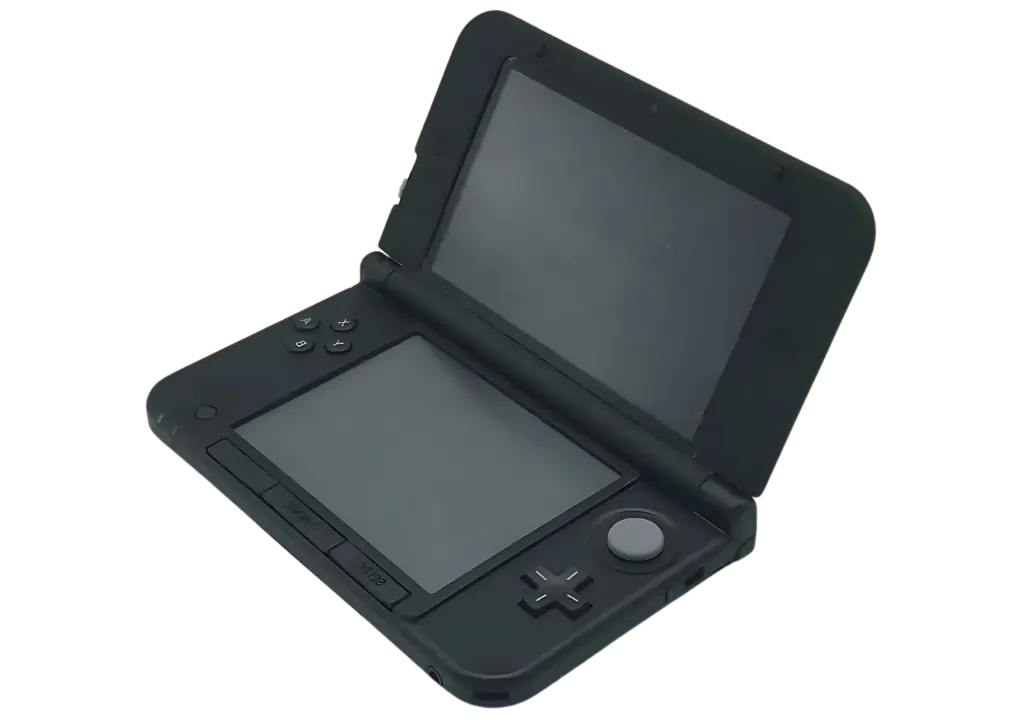
CItra is a free and open-source 3DS emulator available for Windows, Mac, and Android devices. It allows its users to play their favorite 3DS games on other platforms with better graphics, higher resolutions, and smoother performance than the original console.
It doesn’t just run games, it improves them. With features like network multiplayer, save states, custom textures, a wide range of compatibility, gaming modding, customization options, a user-friendly interface, and advanced settings. it takes the 3DS gaming experience to a whole new level.
Even in its current form, it is still the most complete and powerful Nintendo 3DS emulator available, and players can continue enjoying their favorite 3DS games without any issues. Although the original project faced a major setback, the community is still active, and new forks are growing quickly, including PabloMK7’s Citra and Lime3DS, which continue to push 3DS emulation forward.
Features
Network Play
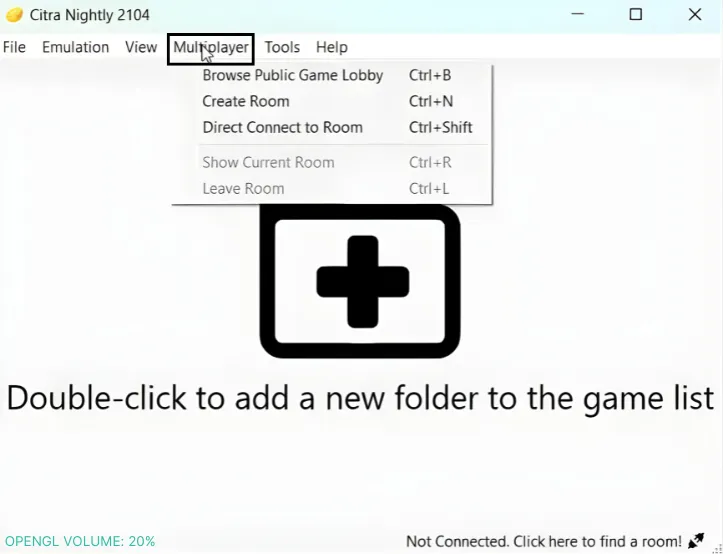
With the Network Play feature, users can enjoy multiplayer gaming with friends and players from all around the world. This brings a new level of fun and excitement to games that were originally limited to local multiplayer.
Enhanced Graphics
The best feature of Citra is its ability to enhance 3DS game graphics. With built-in resolution upscaling, you can play your favorite games in high definition, delivering sharper visuals and smoother gameplay.
Save States
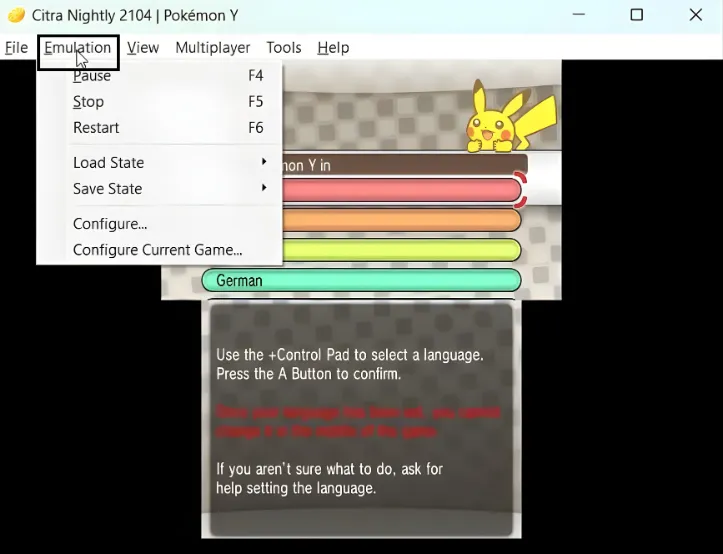
This emulator also includes a save state feature, allowing players to save their game progress at any time, giving users complete freedom to retry challenges and enjoy a more relaxed gaming experience.
High Compatibility
Citra offers exceptional compatibility, supporting a wide range of Nintendo 3DS games, from major releases to smaller indie titles. With such broad support, players can enjoy a complete and authentic 3DS gaming experience on any supported device.
Performance Tweaks
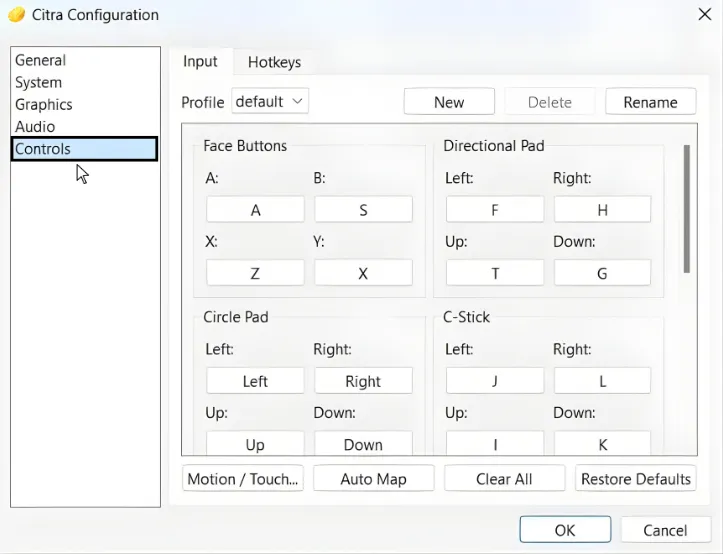
It also provides a customization option that allows users to optimize performance on their devices. Whether you’re using a high-end gaming PC or a simple laptop, Citra ensures a smooth and stable gaming experience that’s perfectly optimized for your device.
User-friendly Interface
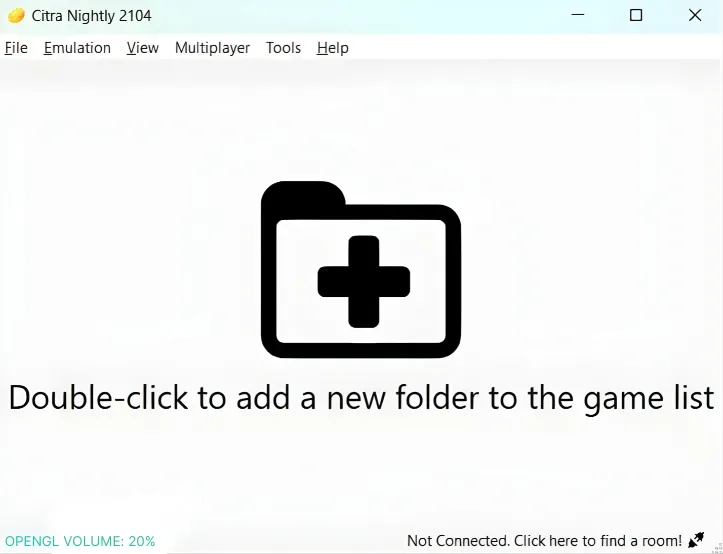
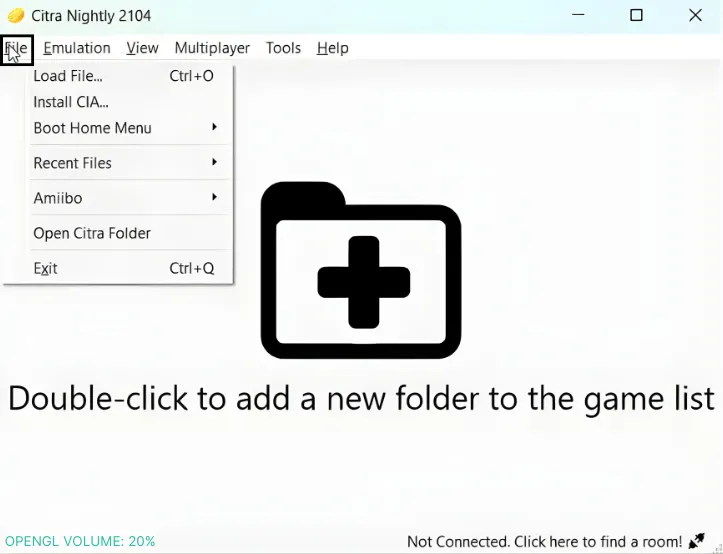
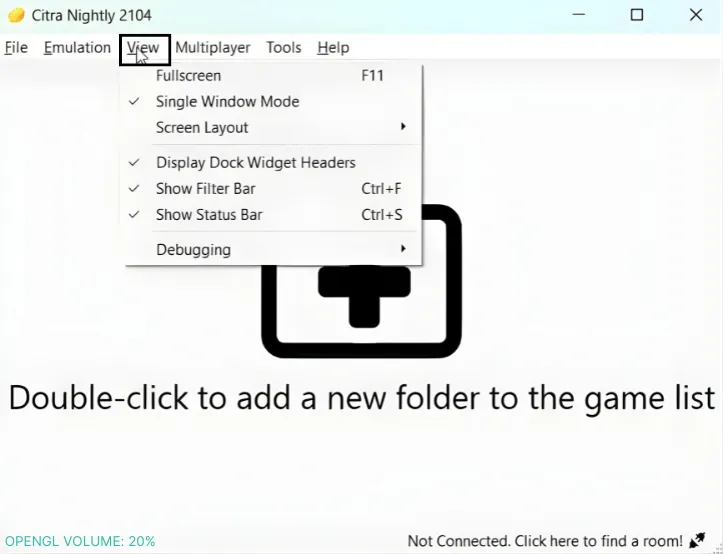
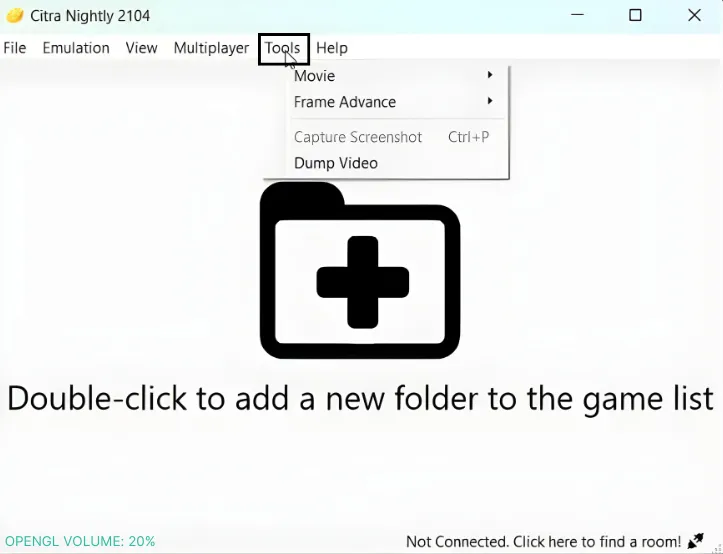
The design of this emulator is very clean, aesthetic, and easy to use, making it very user-friendly and easy to navigate. From loading and playing games to adjusting settings or exploring advanced features, it enhances the user’s gaming experience.
Custom Textures
It gives players the freedom to change the way their favorite games look and feel with custom textures. This feature lets you replace in-game visuals with high-quality texture packs. Whether you want smoother lighting, anime-style themes, or full HD retextures, Citra makes it easy to personalize your gameplay.
Read More
Game Modding
It supports advanced game modding, giving players full control over how their Nintendo 3DS games look and play. With Citra’s modding system, you can add new textures, change sounds, replace game files, apply patches, and even load Luma3DS mods or 3GX plugins. It makes modding simple, flexible, and beginner-friendly.
Just like popular mobile game mods such as Nulls Brawl bring new features to existing games, Citra’s modding system takes 3DS gaming to the next level with full customization support.
Multiplayer Support
Citra Emulator lets you enjoy real online multiplayer by emulating local wireless play over the internet. You can join public rooms or host your own private room to play Nintendo 3DS games with friends, no matter where they are.
Telemetry
Citra includes an anonymous telemetry system that helps developers understand how the emulator performs on real devices. It collects non-personal data such as performance reports, crash logs, hardware details, and settings. This information helps the team fix bugs faster, improve game compatibility, and make the emulator smoother for everyone while keeping your privacy protected.
Why Choose Citra Emulator?
High-Resolution Graphics
It makes 3DS games look better than ever. You can play in HD, upscale textures, and enjoy sharper visuals that the original console cannot offer.
Smooth Performance on Modern Devices
Whether you’re on Windows, Mac, or Android, Citra is optimized to run smoothly.You get faster gameplay, fewer slowdowns, and a more stable experience compared to real 3DS hardware.
Online Multiplayer Support
It allows you to play wirelessly with friends through its multiplayer system. You can join rooms or host your own, making multiplayer 3DS gaming simple and fun.
Save Anytime With Save States
No more losing progress because Citra lets you save your game at any moment. This makes difficult levels easier and gives you full control over your gameplay.
Custom Textures & Mods
It supports advanced mods, HD texture packs, mods, and visual enhancements. You can completely change how your 3DS games look and feel.
Compatible With Thousands of 3DS Games
It has one of the widest compatibility lists among all 3DS emulators. From popular titles to smaller games, most 3DS games run smoothly and properly.
Free, Open-Source & Community Driven
Citra is open-source, completely free, and supported by a passionate community. You benefit from constant updates, new features, and a transparent development process.
User-Friendly Interface
The emulator is easy to use, even for new players. Its clean interface makes loading games, adjusting settings, and exploring features simple for everyone.
Citra Compatibility & Availability
Citra Emulator is available on all major platforms, making it easy for anyone to enjoy Nintendo 3DS games. You can download and use it on Windows, Mac, and Android, with smooth performance and full feature support across every device. No matter what system you use, it offers a stable, high-quality emulation experience with wide compatibility for thousands of 3DS games.
Pros & Cons
- High-resolution HD graphics
- Works on Windows, Mac, & Android
- Online/local multiplayer support
- Save states let you save anytime
- Supports mods & custom textures
- Free and fully open-source
- Easy and beginner-friendly interface
- Wide compatibility with thousands of 3DS games
- Requires a decent PC or Android device
- No official iOS version available
- Port forwarding is required for hosting multiplayer rooms
- Performance may vary depending on the user’s device
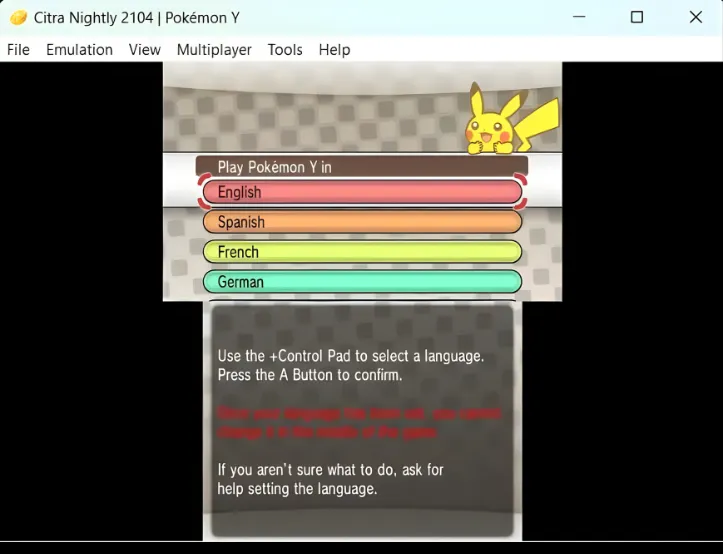
Screenshots
Conlusion
Citra Emulator gives players a modern, powerful, and easy way to enjoy Nintendo 3DS games on today’s devices. Whether you’re playing on Windows, Mac, or Android, it delivers smoother performance, higher-quality graphics, online multiplayer, mods, and all the features the original console could never provide. With wide game compatibility and a user-friendly design, Citra makes 3DS gaming simple, accessible, and more enjoyable for everyone.
As the most complete 3DS emulator available, Citra continues to stand strong thanks to its open-source community and ongoing development. Whether you want better visuals, more control, or a convenient way to play your favorite titles, it is the ultimate choice for 3DS emulation. Start exploring the world of enhanced 3DS gaming as your upgraded experience begins here.