
Android
This guide shows you how to install Citra Emulator on your Android device. You can either install the pre-compiled APK (recommended for all users) or build Citra from source using Android Studio.
Download Citra for Android
Name | Citra Android Universal |
Size | 59 MB |
Version | 2104 Nightly |
Developer | Citra Team |
Release Date | 4 March 2024 |
Download |
Installing Citra on Android
1. Download the Citra APK
Download the official Citra APK file from the link above.
2. Install the App
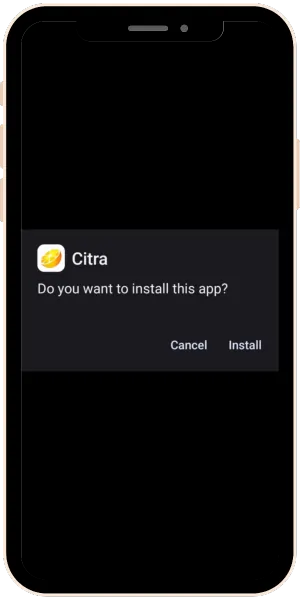
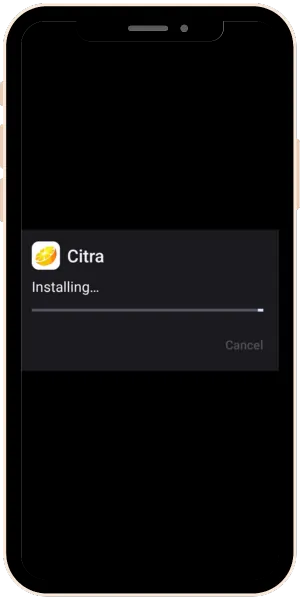
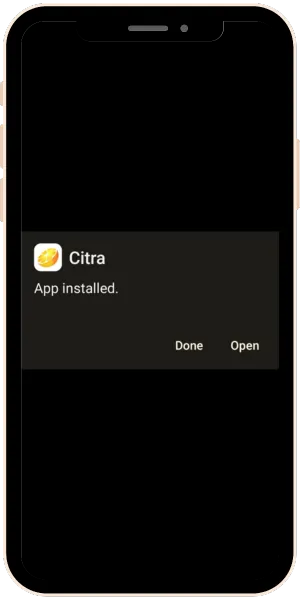
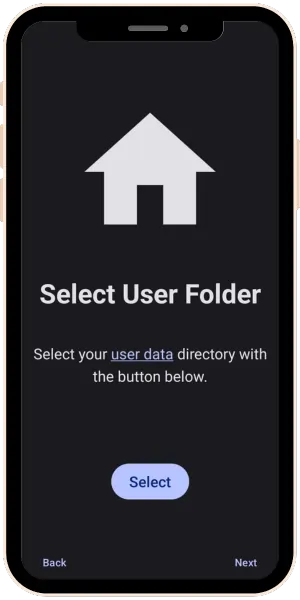
- Open the downloaded APK and follow the on-screen instructions to install it.
- If your phone asks for permission to install apps from unknown sources, simply allow it.
- After granting permission, the installation will begin, and in a few minutes, Citra will be installed on your Android device.
Building Citra From Source
If you want to compile Citra yourself, follow this setup.
Requirements
You must install:
- Android Studio
- CMake + NDK (enable them inside Android Studio settings)
- Citra Source Code (old or new version)
Step-by-Step Build Process
1. Open the Project
- Open Android Studio and choose:
- Open (from the startup screen)
- Now navigate to: “ citra/src/android “ and then click OK.
2. Select Build Variant
Go to:
- Build > Select Build Variant
- Choose release or relWithDebInfo as your “Active build variant.”
3. Build or Run the App
You now have two options:
- To compile the APK: → Build > Make Project
- To run it directly on a connected Android device: → Run > Run ‘app’
Android Studio will build the project and install the app on your device.